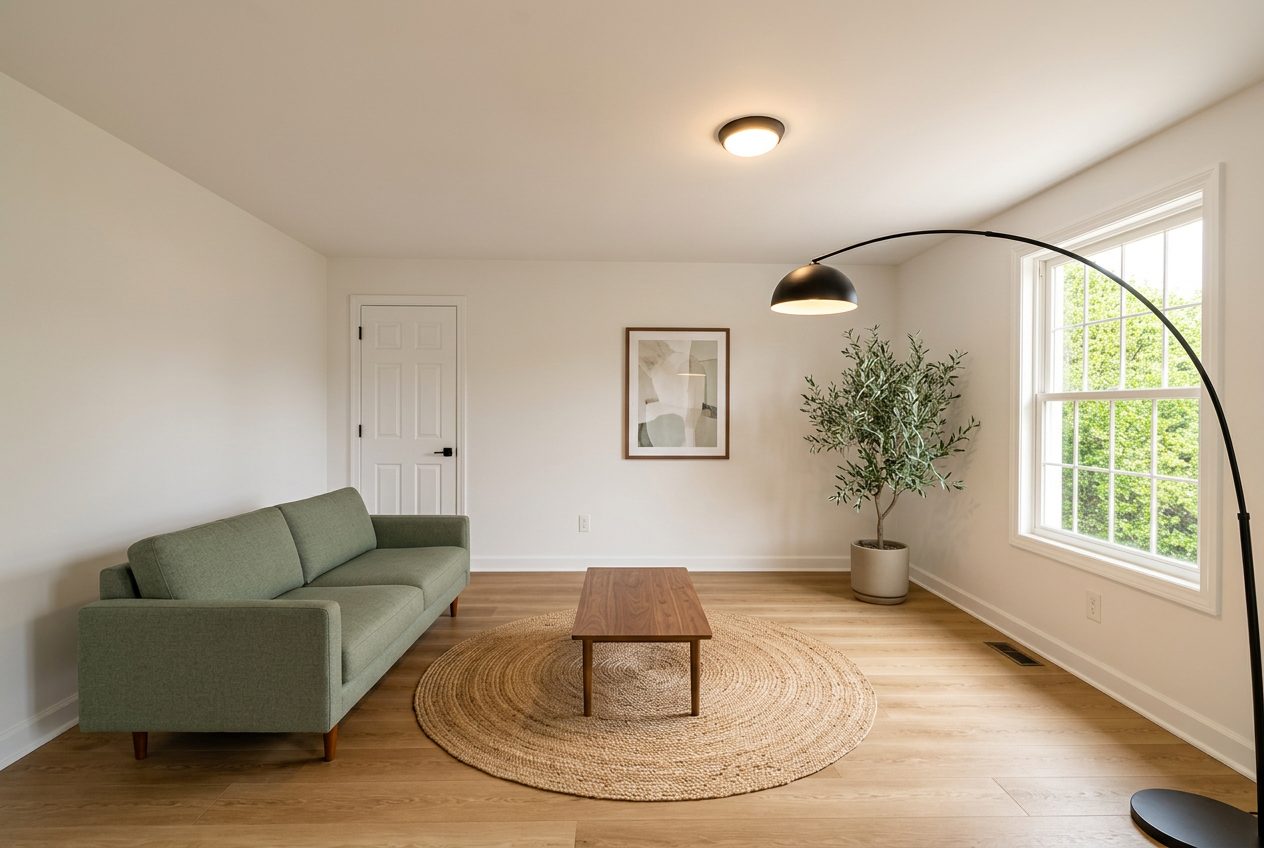
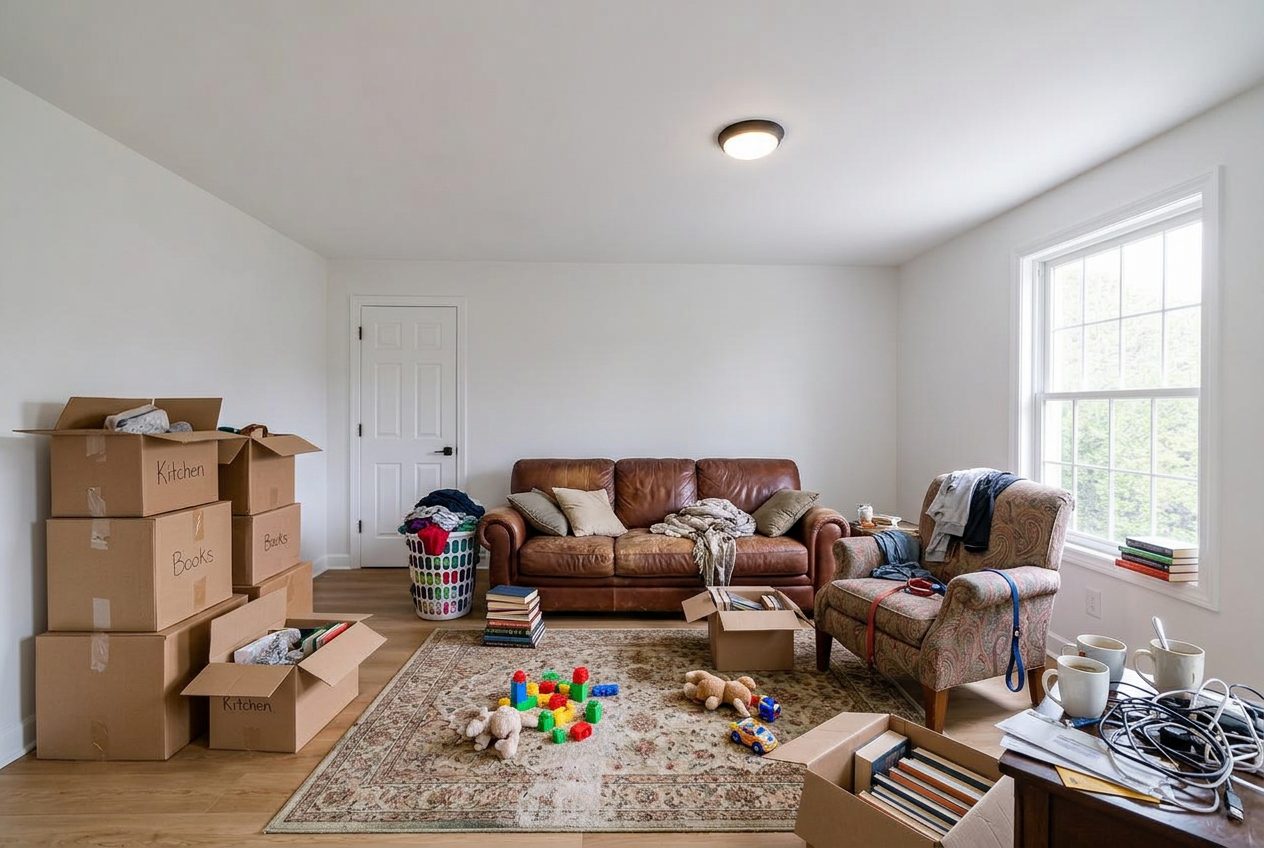
For Real Estate Agents

Show A Seller What A Refresh Could Return

Turn a listing photo into a furnished, refreshed version of the same room so sellers can decide on a pre-list update with a picture in front of them, and buyers can see past a dated finish to the layout underneath.

The hardest part of a listing presentation is often the pre-list improvement conversation, where a seller has to decide between a quick paint-and-carpet refresh, a light cosmetic update, or listing as-is, usually without a clear sense of what any of those options would look like or cost.

Reality Lock lets you show that seller their own living room refreshed at a light-touch budget level, locked to the home's real layout, alongside a planning-range cost estimate for the work. It gives you a visual and a number to anchor that conversation instead of a verbal description of 'you might want to update the flooring.'

Reality LockBudget-First GenerationContractor-Ready Scope

Start Redesigning Your Space

Reality Lock keeps your walls, windows and layout exactly where they are. Only the design changes.

1Upload Your Space
2What Are You Redesigning?
3How Far Are You Going?

1 Free Design · No Credit Card · No Account

Same Space, Priced

One Photo In. A Plan Out.

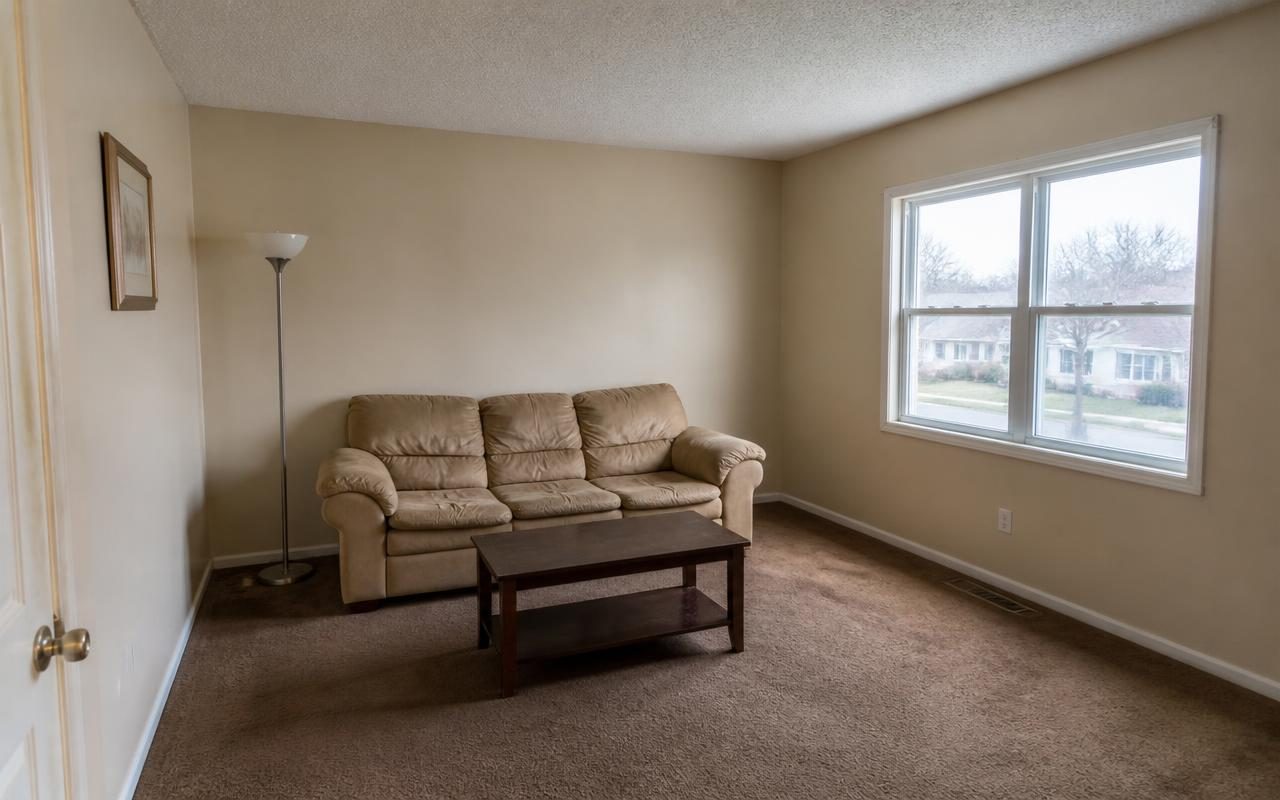
Seller's current living room before listing
Before Seller's current living room before listing
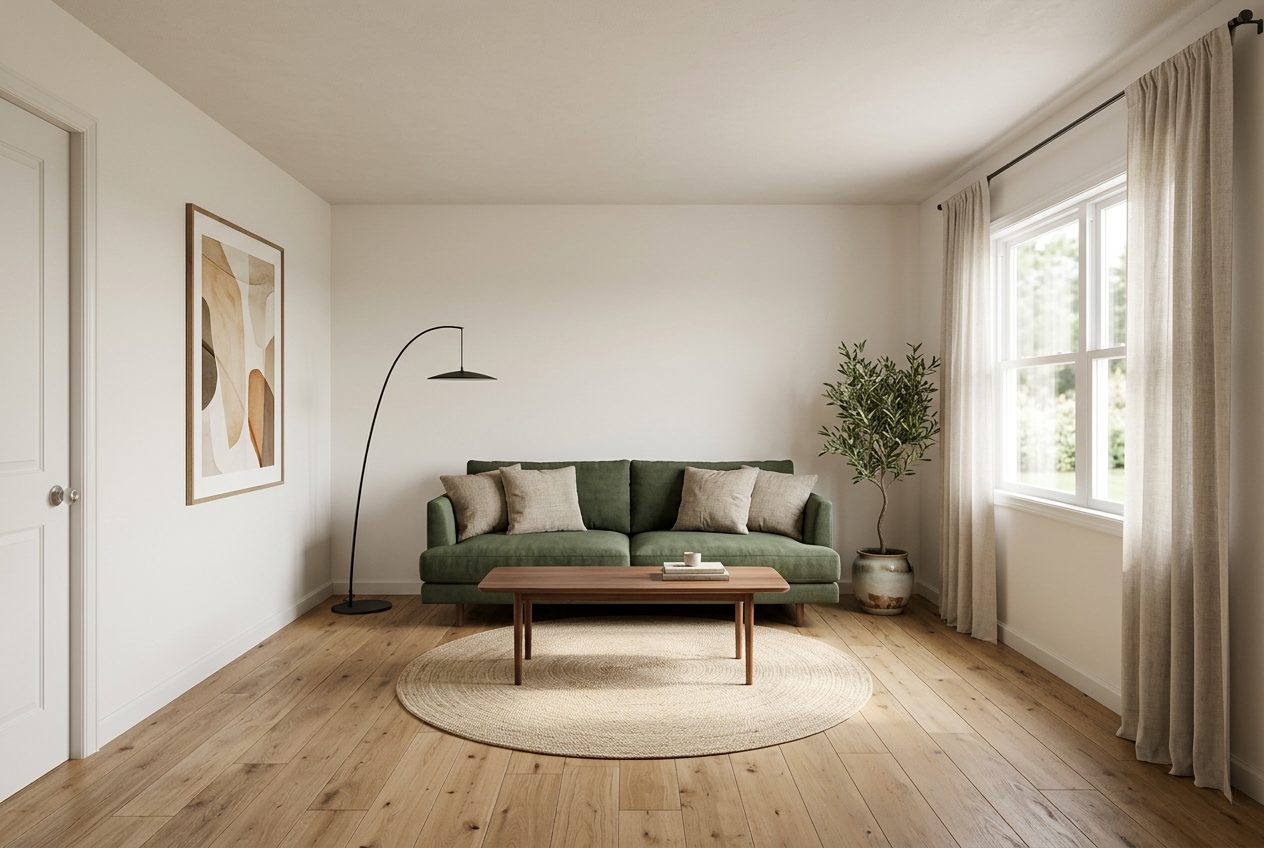
Refreshed for listing photos, disclosure labeled for MLS use
After Refreshed for listing photos, disclosure labeled for MLS use
How It Works

Three Steps, One Running Total.

01

Photograph The Room As It Sits

Use the same photos you would take for the listing itself, no separate photography session needed for the mock-up.

02

Generate A Refresh Or A Staged Version

Show a light cosmetic refresh for the seller conversation, or a furnished staged version of a vacant room for the listing photos.

03

Export With Disclosure Labeling Attached

Every generated image carries a disclosure caption automatically, so what goes on the MLS stays compliant with local staging rules.

Budget And Scope

Sample Pre-List Refresh Scope

A representative light-touch refresh scope for a living room ahead of listing, sized for return on cost rather than a full renovation.

Estimated Planning Range$2,100 to $5,300
Pricing ConfidenceMedium
Line ItemTradeQtyPlanning Range
Interior Paint, Neutral PalettePainting420 SF$600 to $1,200
Carpet Replacement Or Deep CleanFlooring280 SF$700 to $2,200
Light Fixture SwapElectrical3 Fixtures$350 to $800
Wall Patch And Touch-UpDrywall1 Room$200 to $450
Deep Clean And Window WashCleaning1 Room$150 to $350
Virtual Staging For MLS PhotosPhotography1 Room$100 to $300

Ranges reflect national averages for a cosmetic pre-list refresh, intended to help sellers weigh cost against likely buyer impact, not as a contractor bid.

Winning The Listing Presentation

Sellers hire the agent who makes the decision easiest, and the pre-list improvement question is usually where a listing presentation either builds trust or loses it. Walking in with a generic recommendation to 'freshen up the paint' carries far less weight than showing the seller their own living room, refreshed, next to the current photo, with a cost range attached to that specific work.

This also gives you a defensible answer when a seller pushes back on a recommendation. Instead of a subjective opinion about what buyers want, you have a visual comparison and a planning-range cost they can weigh against their own numbers before they decide what, if anything, to do before listing.

Showing The Return On A Refresh, Not Just The Look

Sellers rarely object to the idea of a refresh, they object to spending money without knowing what it buys them. Pairing the refreshed image with a scoped cost range reframes the conversation from 'should we paint' to 'is this specific $2,000 refresh worth doing before we list,' which is a decision most sellers can actually make.

Because the scope is broken into line items, a seller who wants to do the paint but skip the carpet replacement can see what that partial refresh costs on its own, rather than treating the whole recommendation as a single take-it-or-leave-it number.

Staging With Disclosure, Not Guesswork About The Rules

Virtual staging rules differ by MLS and by state real estate commission, and getting the disclosure wrong on a listing photo can create real liability for both the agent and the brokerage. Every image Reality Lock generates for a vacant or furnished room carries a disclosure caption automatically, so the compliance step is not something you have to remember to add manually to each photo before upload.

This matters as much for a light furniture rearrangement as it does for a fully staged vacant home, because the line between the two is exactly where agents most often get the disclosure requirement wrong.

  • Disclosure labeling attached at export, not added manually after the fact
  • Consistent labeling across every photo in a listing, reducing per-photo judgment calls
  • A record of what was staged versus photographed as-is

Helping Buyers See Past A Dated House

On the buy side, the houses that sit longest are often the ones with good bones and bad finishes, where buyers cannot mentally get past the wallpaper or the popcorn ceiling to see the layout underneath. Showing a buyer client a redesigned version of the same room, still built on the home's real walls and windows, can be the difference between a client walking away from a house with real potential and one who can picture living in it.

This is particularly useful with first-time buyers, who often lack the experience to visualize a renovation from a verbal description and default to rejecting any house that needs cosmetic work, even when the underlying layout and price make it the better deal.
Questions

Answers Before You Start.

Is virtual staging disclosed automatically on exported photos?

Yes. Every staged or refreshed image carries a disclosure caption at export, which is designed to align with common MLS and state disclosure requirements for altered listing photos. You should still confirm the specific wording required by your local MLS and brokerage before publishing.

Can I use this to convince a seller to spend money before listing?

It is meant to inform that conversation, not replace your judgment as the listing agent. It gives you a visual and a planning-range cost for a specific refresh, which most sellers find easier to evaluate than a verbal recommendation, but the final improvement decision and its cost tradeoffs remain the seller's call.

Does staging a vacant room create liability for my brokerage?

Disclosed virtual staging is standard practice in most markets when clearly labeled as a rendering rather than the actual room condition. The disclosure captions attached at export are built to support that distinction, but you should confirm compliance with your brokerage's own staging policy before use.

Will the refreshed photo match what the room actually looks like after the work is done?

It is generated as a planning visual to support a decision, not a guarantee of the finished result. Actual outcomes depend on the materials selected and the quality of the work performed, so it should be treated as a directional preview rather than a promise of the final finish.

Can I generate a version for a buyer client, not just a seller?

Yes. Agents commonly use the same redesign workflow to show a buyer client what a dated room could look like after cosmetic updates, helping them evaluate a house's potential rather than rejecting it on finishes alone.

Pricing

Pick The Plan. Keep The Number.

Annual pricing shown. One credit balance across every tool, and we meter credits, not people.

Free

$0/mo

5 credits a day, typical budget range

Start Free

Starter

$7/mo

200 credits a month, clean HD

Choose Starter
Most Popular

Pro

$10/mo

2,000 credits a month, commercial license

Choose Pro

Studio

$13/mo

4,000 credits a month, unlimited seats

Choose Studio

Show Sellers The Refresh Before They Commit

Upload the listing photo and generate a refreshed, disclosure-labeled version to anchor your next listing presentation.

Build A Listing Preview